 New
NewThe most reliable way to recover deleted files
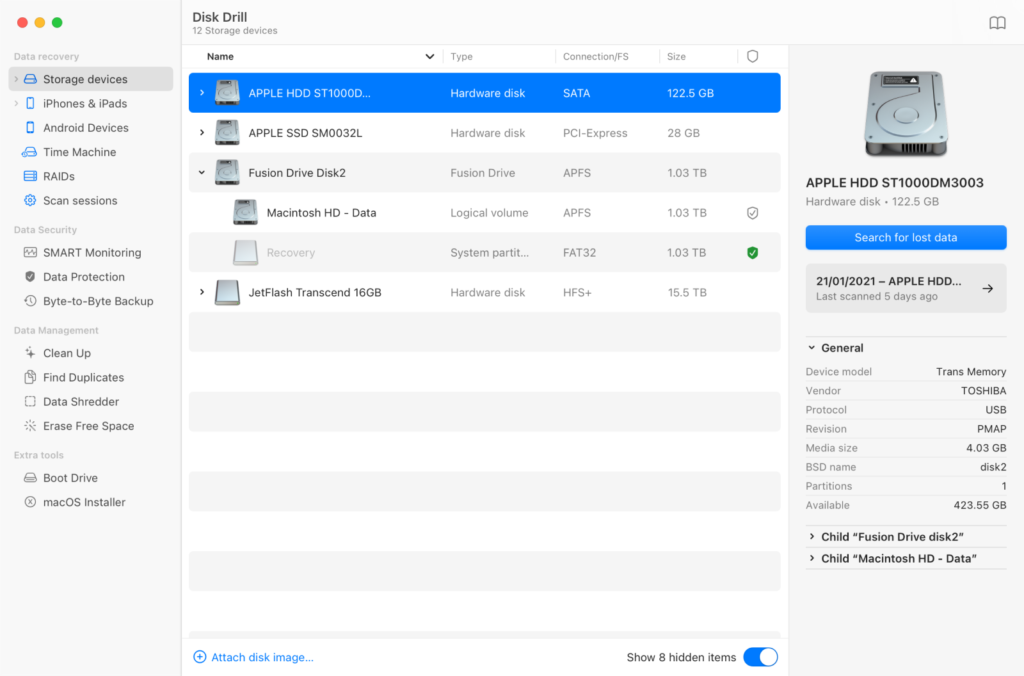
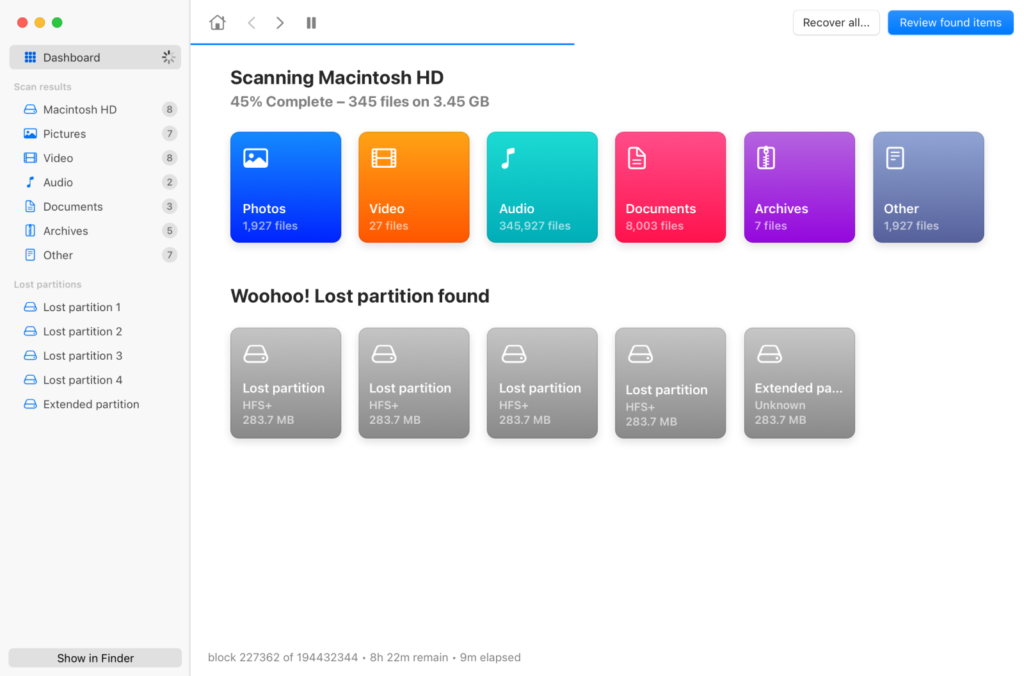
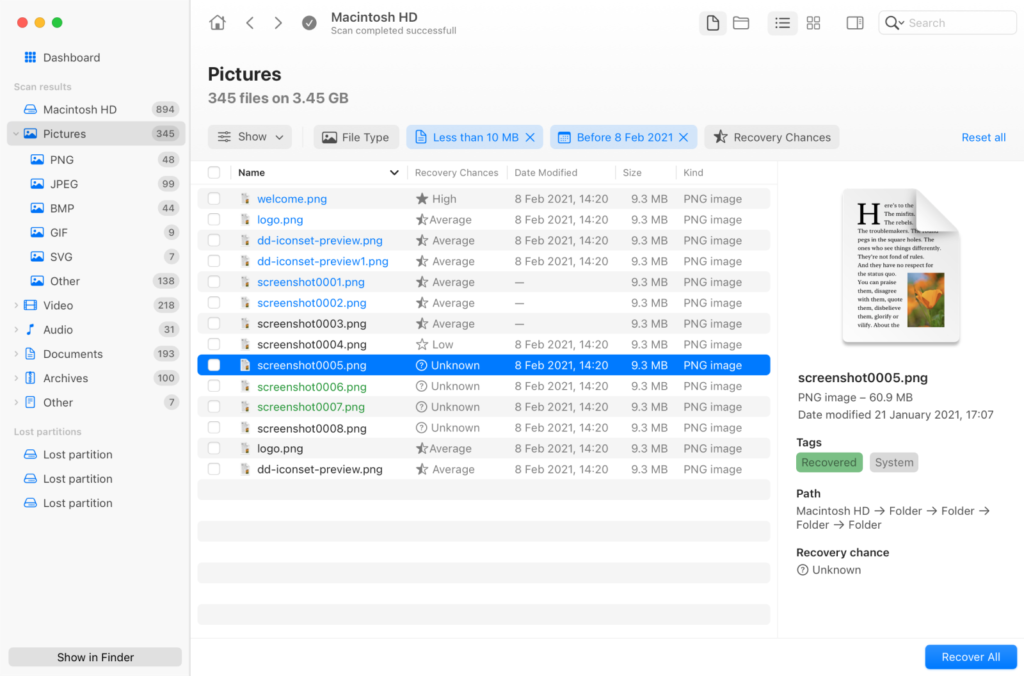
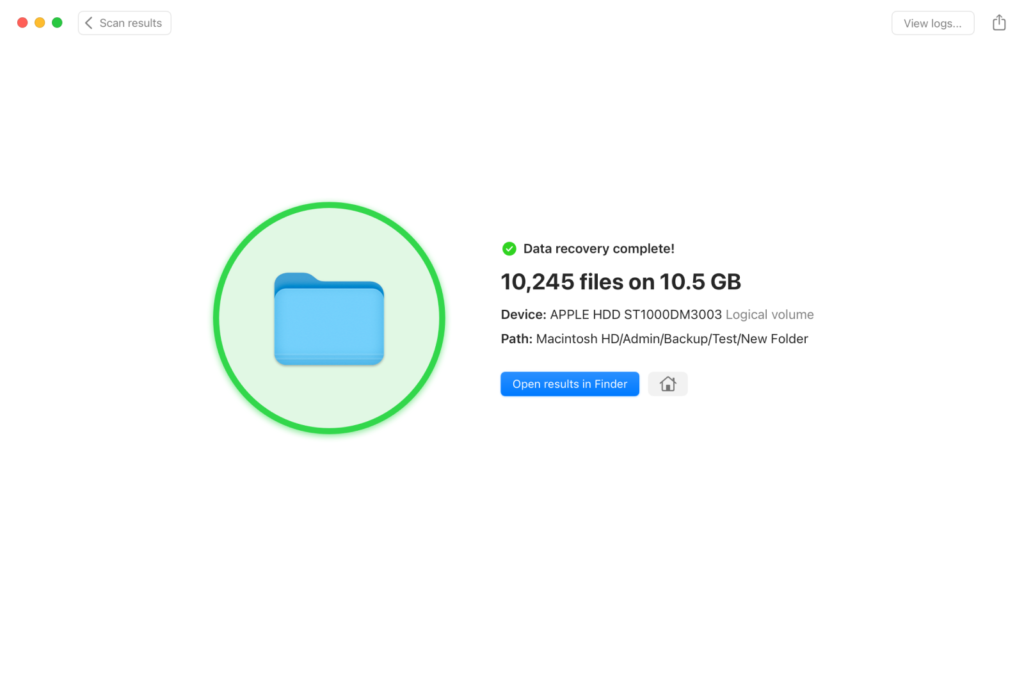
Disk Drill has been around for more than ten years now, getting stronger with every update, steadily expanding its range of supported file formats,platforms, and efficient data recovery scenarios. Whether you are looking to prevent data loss or retrieve your lost files, Disk Drill surely has it covered!
Elegant interface perfectly integrated with your platform
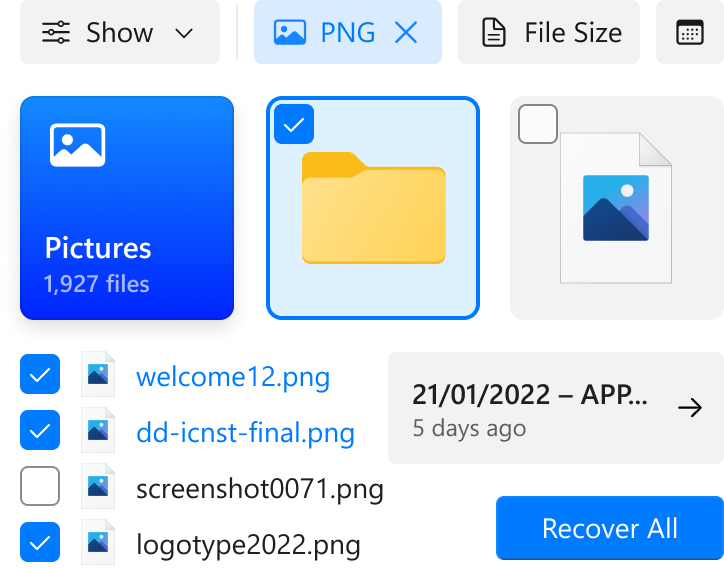
Take advantage of not just a trendy and good-looking interface - Disk Drill's interface is designed so it has everything you need right at your fingertips - easy-to-use and clean of any clutter.
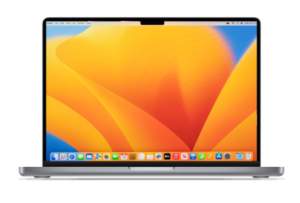
An intuitive macOS experience with all the necessary options right at your fingertips.
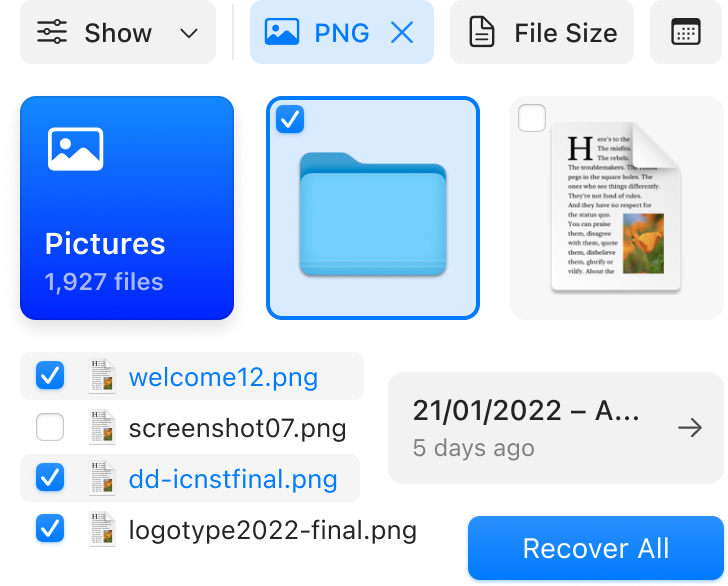
Disk Drill is updated regularly to be compatible with the very latest updates in macOS.
In stride with the latest Apple hardware, Disk Drill offers strong recovery results on your computer.
A powerful response to any data loss scenario
Disk Drill recovers lost data from an impressive number of devices and their operating systems. The algorithms keep getting better and better with each new release.
Discovery of lost APFS partitions, efficient algorithms for relocated files, better HFS scans.
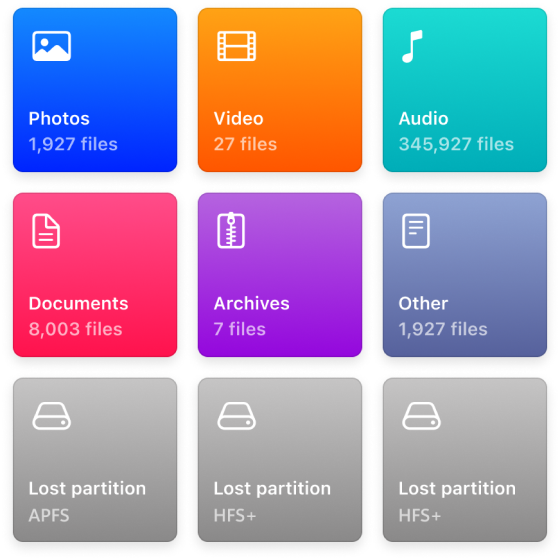
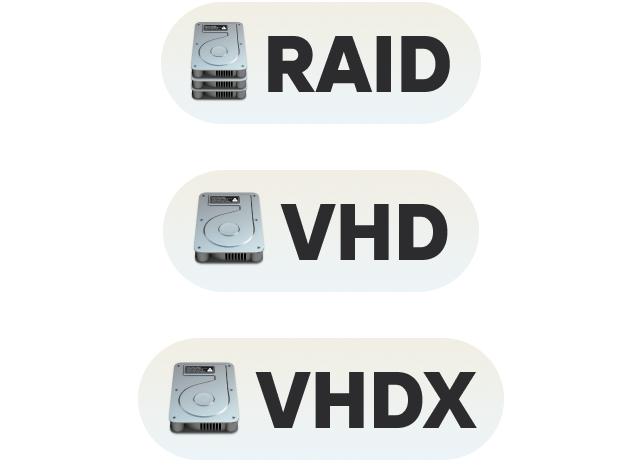
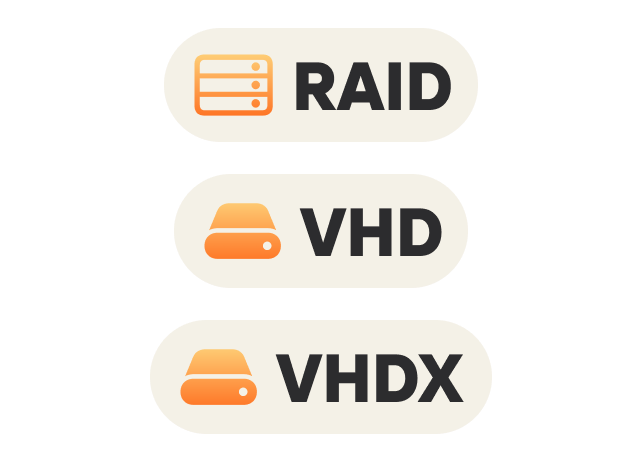
Recovery from Mac, Windows, Linux, and Android. Linux RAIDs, Virtual Hard Drives & WSS supported.
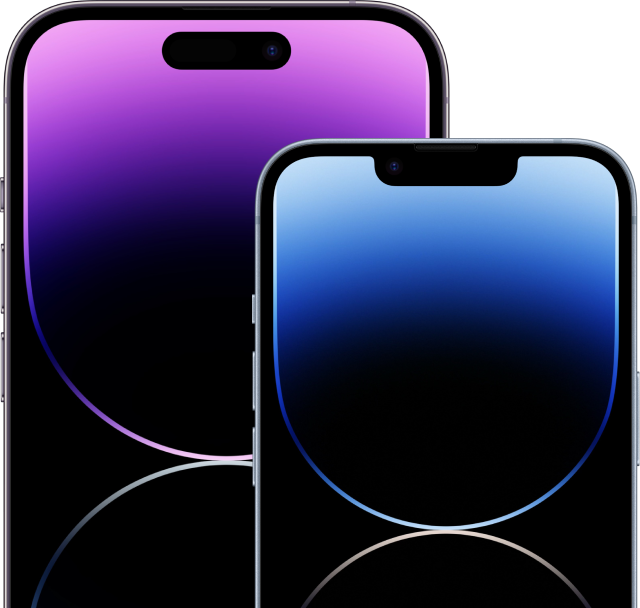
Your iPhone or iPad running iOS 16/16.1 is supported, as are iOS and iPadOS backups.
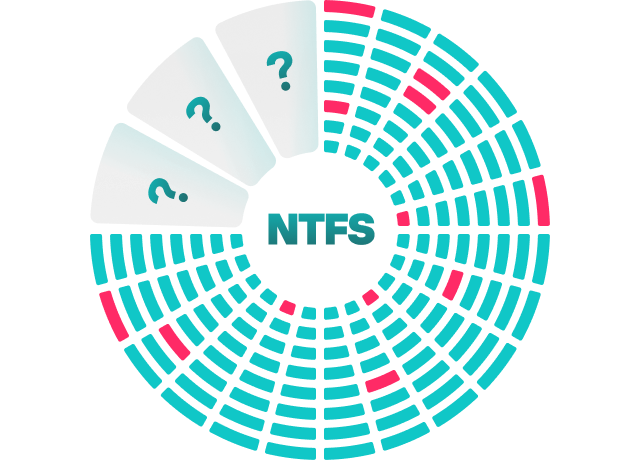
Take advantage of Recovery Chances Prediction and Faster Deep Scan
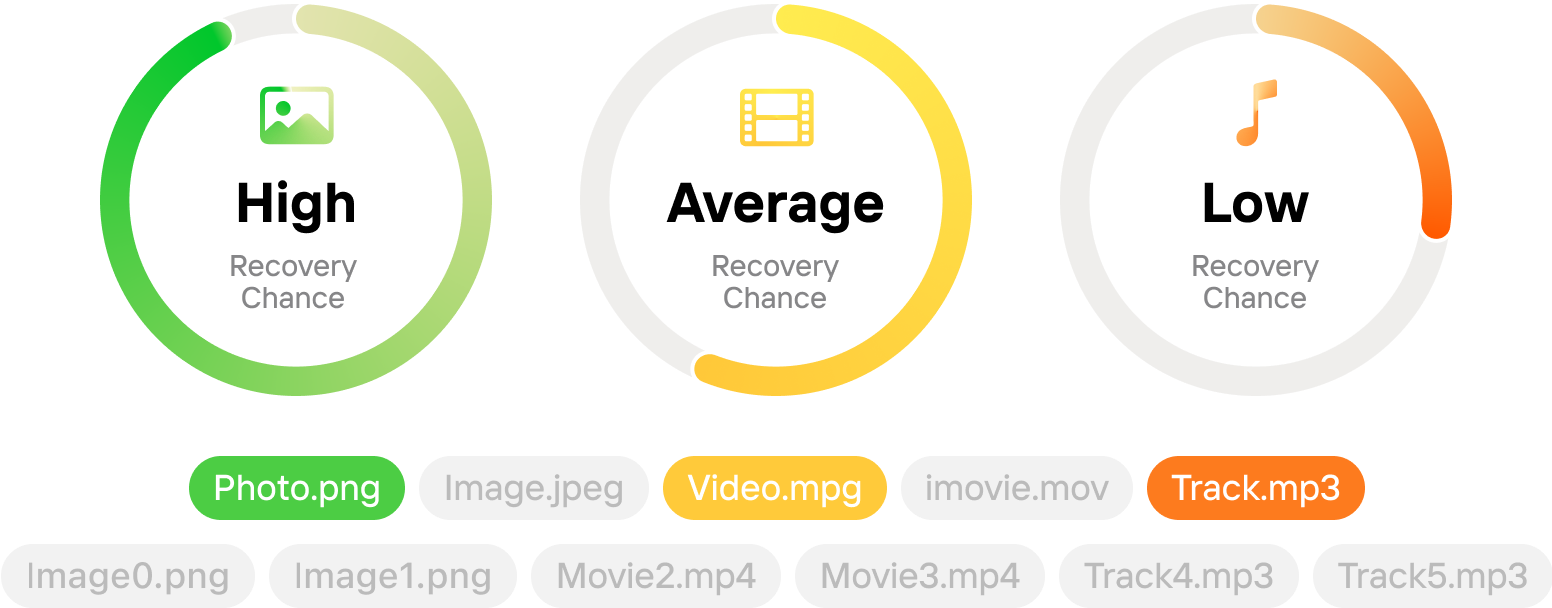
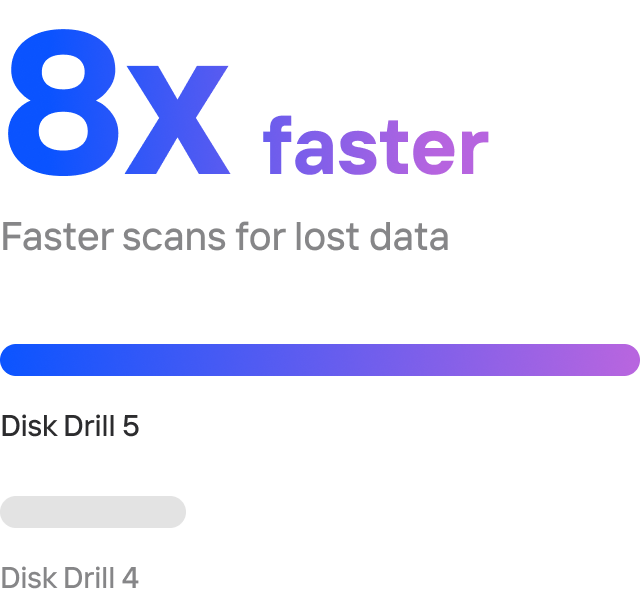
Make the most of advance knowledge of which lost and deleted files are more likely to be recovered - the calculation of recovery chances perfectly complements the preview option, while faster Deep Scan times mean you'll get your data back even sooner!
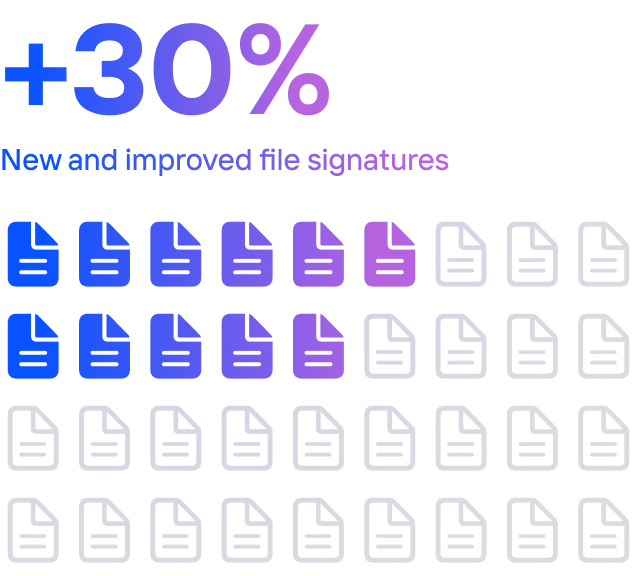
Now even more missing data can be recovered thanks to addition of new file formats to the Disk Drill portfolio.
Being able to predict the recovery chances for each discovered file greatly maximizes the efficiency as well as saves time.
Integrate Disk Drill with your system to keep your data extra secure
With Disk Drill you can be proactive and avoid data loss entirely. Use either S.M.A.R.T. disk monitoring, Recovery Vault and Guaranteed Recovery or your most preferred combination depending on your data safety needs.
- macOS
- Windows
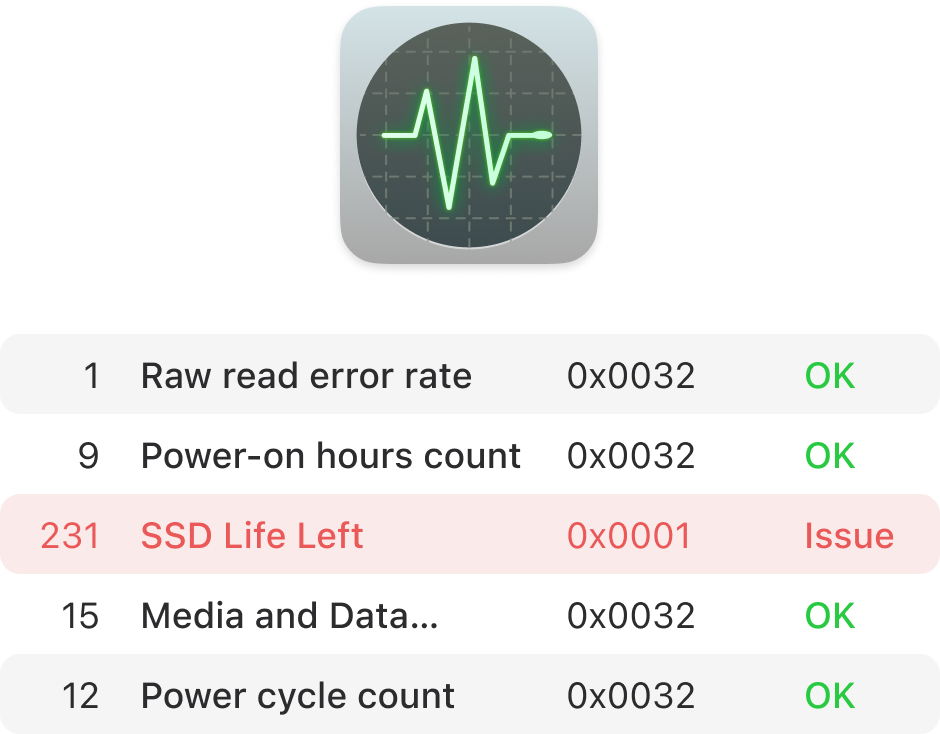
Enable S.M.A.R.T. disk monitoring to be continually informed of your disk health. This can help you keep your files safe from loss or damage.
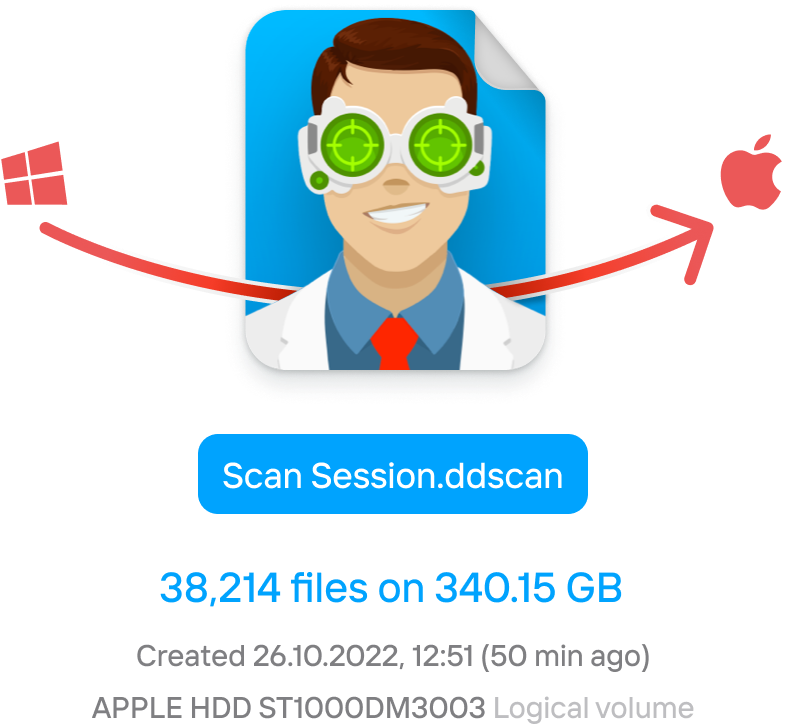
Transition your sessions smoothly. A scan session that has been started on macOS is easy to finalize on a Windows machine.
 New
New